Categories
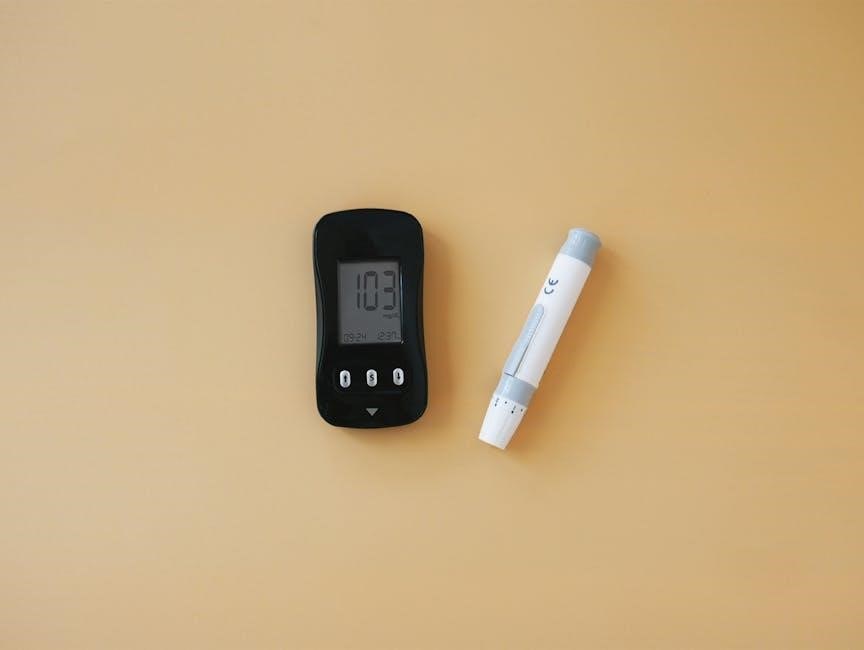
Omron delivers portable‚ easy-to-use blood pressure monitors‚ vital for preventing heart disease and strokes‚ meeting clinical standards and doctor recommendations globally.
Regular home monitoring empowers individuals to proactively manage their cardiovascular health‚ detecting potential issues like hypertension early. Unlike infrequent clinical visits‚ consistent at-home readings provide a comprehensive view of blood pressure fluctuations throughout the day. This is particularly crucial as hypertension often presents without noticeable symptoms‚ allowing it to silently impact health.
Omron’s monitors facilitate accurate tracking‚ eliminating the need for frequent hospital or doctor visits‚ especially beneficial for those with pre-existing conditions. Early detection and consistent monitoring‚ aided by devices like Omron’s‚ are essential steps in preventing serious complications such as heart disease and stroke‚ ultimately contributing to a longer‚ healthier life.
Omron stands as a global leader in blood pressure innovation‚ dedicated to providing efficient and clinically accurate products. Their monitors consistently meet rigorous research standards and are frequently recommended by healthcare professionals. As a company focused on solving social issues and improving lives‚ Omron delivers technology designed for reliability and ease of use.
Beyond medical devices‚ Omron excels in automation and various technologies‚ demonstrating a commitment to quality across industries. Choosing Omron means selecting a brand invested in your well-being‚ offering portable and user-friendly monitors for effective‚ at-home health management.
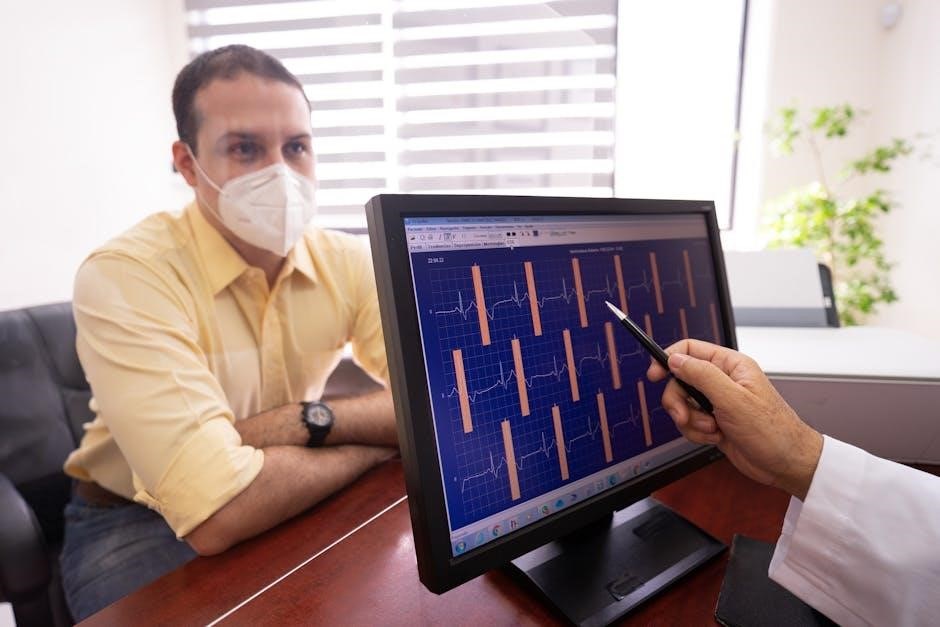
Begin by unpacking your device‚ installing batteries‚ and selecting the correct cuff size for accurate readings – essential first steps for effective monitoring.
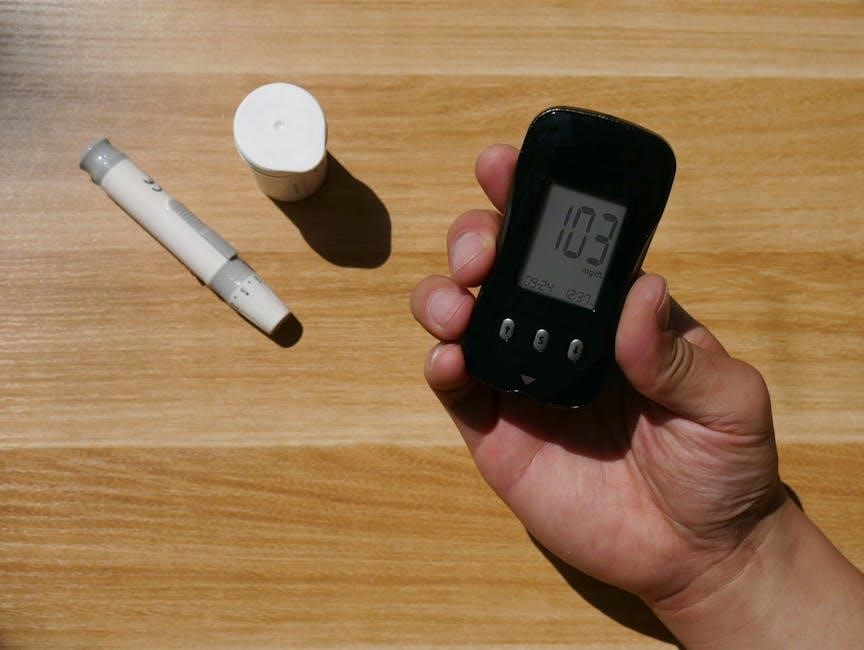
Carefully remove your Omron blood pressure monitor from its packaging. Ensure all listed components are present: the monitor unit itself‚ a blood pressure cuff (size may vary)‚ and the instruction manual. Some models include AC adapters or batteries. Verify the cuff is compatible with your arm circumference – incorrect sizing impacts accuracy. Inspect all parts for any visible damage before use. Familiarize yourself with the monitor’s buttons and display screen. The display typically shows systolic and diastolic pressure‚ pulse rate‚ and memory indicators. Retain the packaging and manual for future reference‚ warranty claims‚ or troubleshooting. Proper identification of each component ensures a smooth setup and accurate monitoring experience.
Locate the battery compartment‚ usually on the back or side of the Omron monitor. Open the compartment cover and insert the batteries‚ paying close attention to the polarity markings (+ and -) indicated inside. Most models require four AA-size batteries. Ensure batteries are correctly aligned for proper contact. Once batteries are installed‚ close the compartment securely. To power on the monitor‚ press the ‘Start’ or ‘Power’ button. The display should illuminate‚ indicating the device is ready for use. If the display is dim or doesn’t light up‚ double-check battery installation and replace if necessary. Always use new‚ quality batteries for optimal performance.
Choosing the correct cuff size is crucial for accurate readings. Omron monitors often include a cuff guide or sizing indicator. Measure your upper arm circumference to determine the appropriate cuff size – typically small‚ medium‚ or large; A too-small cuff will yield falsely high readings‚ while a too-large cuff can result in falsely low readings. When applying the cuff‚ ensure it’s snug but not too tight‚ positioned about one inch above your elbow. The artery marker on the cuff should align with your brachial artery. Avoid applying the cuff over clothing; bare skin is recommended for optimal accuracy and consistent results.
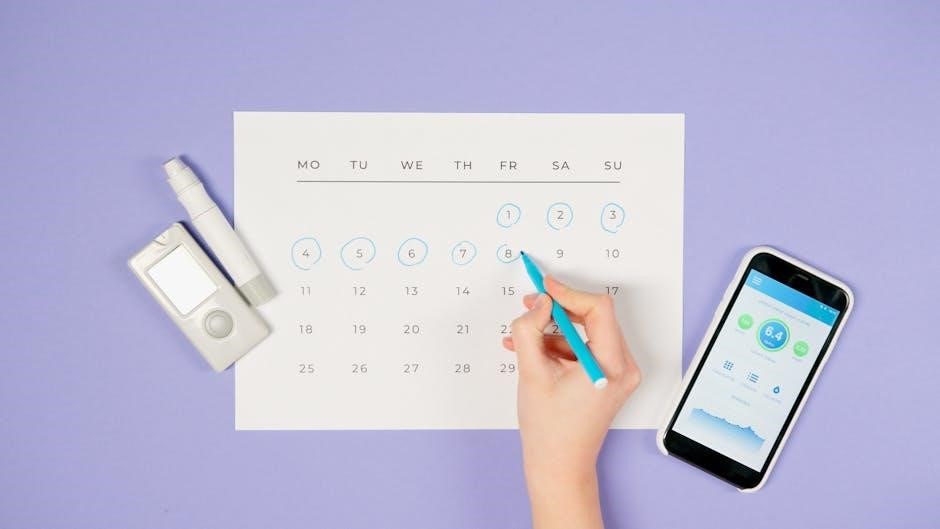
Achieving precise readings requires proper positioning‚ body preparation‚ and correct cuff application‚ ensuring consistent and reliable data for effective health monitoring.
To ensure accurate blood pressure readings with your Omron monitor‚ proper positioning is crucial. Sit comfortably with your back supported‚ feet flat on the floor‚ and legs uncrossed for at least five minutes before measurement.
Avoid caffeine‚ alcohol‚ smoking‚ and exercise for at least 30 minutes beforehand‚ as these can temporarily elevate blood pressure.
Empty your bladder before taking a reading. Wear loose-fitting clothing that allows easy access to your upper arm. Relax your arm and ensure it is supported at heart level throughout the measurement process. A calm and relaxed state is essential for obtaining reliable results.
When applying the Omron cuff‚ ensure it’s snug but not too tight‚ positioned approximately one inch above your elbow. The artery mark on the cuff should align with your brachial artery – typically found on the inner side of your elbow.
If using a wrist monitor‚ position it on bare skin‚ about one inch from the wrist crease.
Avoid applying the cuff over clothing‚ as this can affect accuracy. Ensure the cuff is at heart level during inflation. A properly fitted cuff is essential for reliable blood pressure measurements; refer to your monitor’s manual for specific guidance.
To begin‚ press the ‘Start’ button on your Omron monitor after correctly applying the cuff. Remain still and quiet throughout the measurement process – avoid talking or moving. The cuff will automatically inflate and then deflate‚ providing your systolic and diastolic readings‚ along with your pulse rate.
The monitor will display your results digitally. Record these readings for tracking purposes.
Allow at least one minute between measurements to ensure accurate results. Complete multiple readings‚ averaging them for a more comprehensive assessment of your blood pressure.
Your Omron monitor displays two numbers: systolic and diastolic blood pressure. Systolic pressure‚ the top number‚ measures the force when your heart beats. Diastolic‚ the bottom number‚ reflects the pressure when your heart rests between beats.
Normal blood pressure is generally considered to be less than 120/80 mmHg. Elevated readings require attention‚ as hypertension often presents without noticeable symptoms.
Consistent monitoring helps identify trends and informs necessary lifestyle adjustments or medical consultations. Regularly tracking these values is crucial for effective hypertension management.

Omron monitors offer features like memory storage‚ irregular heartbeat detection‚ body movement indicators‚ and average reading calculations for comprehensive blood pressure tracking.
Omron blood pressure monitors are equipped with robust memory functions‚ allowing users to store multiple readings for tracking trends over time. This feature is incredibly valuable for individuals managing hypertension or other cardiovascular conditions‚ as it provides a historical record for review. The capacity of the memory varies depending on the specific model‚ with some storing dozens or even hundreds of readings.
Stored data typically includes the systolic and diastolic blood pressure values‚ pulse rate‚ and date/time of the measurement. Many Omron monitors allow users to recall past readings easily‚ often with the ability to view average values calculated over specific periods. This data can be incredibly insightful for both patients and healthcare professionals‚ aiding in treatment adjustments and overall health management. Some models also facilitate data transfer to computers or smartphones for more detailed analysis.
Omron blood pressure monitors often include an Irregular Heartbeat Detection (IHB) feature‚ designed to alert users to potentially abnormal heart rhythms during a measurement. This function analyzes the pulse rate and identifies deviations from a regular pattern. It’s important to understand that the IHB feature does not diagnose atrial fibrillation or other arrhythmias; it simply indicates a potential irregularity that warrants further investigation.
If an irregular heartbeat is detected‚ the monitor will typically display a symbol or message after the reading is complete. Users should record these occurrences and discuss them with their healthcare provider. While not a substitute for a professional medical evaluation‚ this feature can provide valuable information for early detection and management of potential cardiac issues‚ contributing to proactive healthcare.
Omron monitors frequently incorporate a Body Movement Indicator to enhance measurement accuracy. Even slight movements during a reading can significantly affect the results‚ leading to inaccurate blood pressure values. This indicator alerts you if motion is detected while the cuff is inflating or measuring. The monitor will often display a symbol – typically an arm or body icon – signaling that movement interfered with the reading.
If the indicator activates‚ it’s recommended to repeat the measurement after ensuring complete stillness. Maintaining a relaxed and motionless state is crucial for obtaining reliable data. Consistent‚ accurate readings are vital for effective hypertension management and tracking‚ making this feature a valuable asset for home monitoring.
Omron blood pressure monitors often feature an automatic Average Reading Calculation function‚ a powerful tool for long-term health tracking. Instead of relying on a single measurement‚ the monitor stores multiple readings – typically morning and evening values over a specified period‚ like seven or thirty days. It then calculates the average systolic and diastolic pressures.
This averaged data provides a more comprehensive and reliable picture of your blood pressure trends than isolated readings. Consistent tracking and averaging help identify patterns and potential issues‚ aiding in effective hypertension management. Reviewing these averages with your doctor is crucial for personalized treatment plans and informed healthcare decisions.
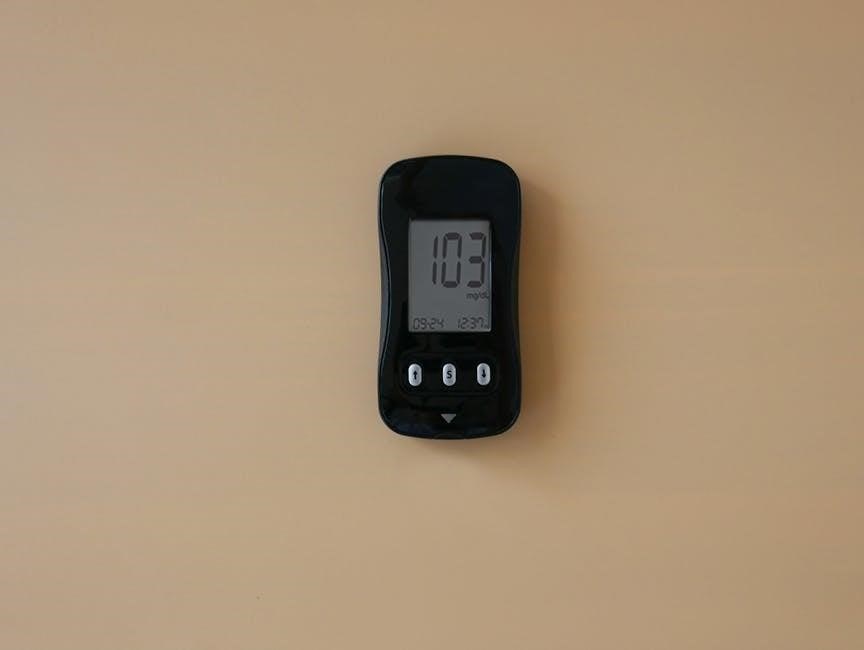
Omron offers models with Connect app integration and Bluetooth connectivity for seamless data transfer‚ alongside upper arm and wrist monitor options.
Omron Connect seamlessly syncs with compatible blood pressure monitors‚ allowing users to track readings directly on their smartphones or tablets. This app provides a centralized hub for monitoring blood pressure trends over time‚ offering valuable insights into cardiovascular health. Data is presented in easy-to-understand graphs and charts‚ facilitating better self-management and informed discussions with healthcare professionals.
The app also enables secure data sharing with physicians‚ streamlining the process of remote monitoring and personalized care. Users can set reminders for measurements‚ track medication adherence‚ and access educational resources related to hypertension and heart health. Omron Connect empowers individuals to proactively manage their well-being through convenient and accessible technology.
Omron blood pressure monitors with Bluetooth capability offer convenient wireless data transfer to smartphones and tablets. This eliminates the need for manual recording‚ reducing errors and saving time. Once paired with the Omron Connect app‚ readings automatically synchronize‚ creating a comprehensive history of blood pressure measurements.
The Bluetooth connection ensures secure and reliable data transmission. This feature is particularly beneficial for individuals who want to track their progress over extended periods or share information with their healthcare provider remotely. Seamless data transfer simplifies hypertension management and promotes proactive health monitoring‚ contributing to better cardiovascular outcomes.
Omron offers both upper arm and wrist blood pressure monitors‚ each with unique advantages. Upper arm monitors‚ traditionally favored by healthcare professionals‚ generally provide more accurate readings due to their proximity to the heart and reduced sensitivity to body movement. They require proper cuff placement on the upper arm.
Wrist monitors are more portable and convenient for quick measurements‚ but accuracy can be affected by wrist position. It’s crucial to maintain a consistent‚ heart-level position during measurement. Choosing between the two depends on individual needs and preferences‚ considering factors like portability‚ ease of use‚ and desired accuracy levels.
Omron monitors may display error messages or provide inaccurate readings; addressing cuff inflation problems and understanding potential causes is crucial for reliable results.
Omron blood pressure monitors utilize error messages to indicate potential issues during measurement. Understanding these codes is vital for accurate readings and proper device function. A common error‚ often displayed as “Err” or a specific number‚ can signify cuff inflation problems – perhaps a leak or blockage. Other messages might relate to movement during measurement‚ requiring a stiller posture.
Some errors indicate an irregular heartbeat detected‚ prompting further investigation with a healthcare professional. If a monitor displays an error consistently‚ even after troubleshooting‚ it suggests a potential device malfunction. Refer to your specific model’s manual for a comprehensive list of error codes and their corresponding solutions. Ignoring error messages can lead to unreliable data and misinformed health decisions.
Omron monitor inaccuracies stem from various factors. Incorrect cuff size is a primary culprit; a too-small cuff inflates excessively‚ while a too-large one provides a weak signal. Body position is crucial – sitting with unsupported backs or crossed legs can elevate readings. Movement during measurement significantly impacts accuracy‚ necessitating stillness.
External factors like caffeine or smoking before testing can temporarily raise blood pressure. Improper cuff application‚ such as positioning it over clothing‚ also yields flawed results. Rarely‚ device malfunction contributes to inaccuracies‚ requiring calibration checks or potential replacement. Consistent discrepancies warrant consultation with a healthcare provider.
Omron monitor cuff issues often relate to tubing connections – ensure they’re securely attached at both the cuff and the monitor. A kinked or damaged tube restricts airflow‚ hindering inflation and deflation. If the cuff doesn’t inflate fully‚ check for obstructions within the tube or the cuff bladder itself.
Slow deflation might indicate a valve malfunction within the cuff or monitor. Conversely‚ rapid deflation could signal a leak in the system. Regularly inspect the cuff for cracks or wear. If problems persist despite checking connections and the cuff’s integrity‚ the monitor may require professional servicing or replacement.

Regular cleaning‚ proper storage‚ and timely battery replacements are crucial for maintaining accuracy and extending the lifespan of your Omron blood pressure monitor.
To ensure the longevity and accuracy of your Omron blood pressure monitor‚ regular cleaning is essential. Gently wipe the monitor and cuff with a soft‚ dry cloth. Avoid using abrasive cleaners or excessive moisture‚ as these can damage the device.
For storage‚ keep the monitor in a cool‚ dry place‚ away from direct sunlight and extreme temperatures. Avoid storing the cuff tightly rolled or bent‚ as this could affect its calibration.
Proper storage protects the internal components and maintains the device’s reliability. Always disconnect the power source (remove batteries) during extended storage periods. Regularly inspect the cuff for any signs of wear and tear‚ and replace it if necessary to maintain accurate readings.
To maintain consistent performance‚ replace batteries when the low battery indicator appears on your Omron monitor. Use only new batteries of the specified type – typically AA or AAA alkaline batteries. Mixing old and new batteries‚ or using different battery types‚ can damage the device and affect accuracy.
When replacing batteries‚ always ensure the correct polarity (+ and -) is observed. Remove the batteries if the monitor will not be used for an extended period to prevent potential leakage and corrosion.
Dispose of used batteries responsibly‚ following local regulations. Regularly checking battery levels ensures your monitor is always ready for accurate blood pressure measurements‚ contributing to effective health monitoring.
Omron blood pressure monitors are pre-calibrated at the factory‚ but periodic accuracy checks are recommended‚ especially after travel or potential impact. While self-calibration isn’t typically available for home models‚ comparing readings with a professionally calibrated device at your doctor’s office is advisable.
Ensure proper cuff size and technique are consistently used‚ as these significantly impact accuracy. If consistently noticing discrepancies‚ contact Omron customer support for assistance.
Regular checks help confirm the monitor continues to provide reliable data for effective hypertension management and overall health monitoring. Maintaining accuracy is crucial for informed healthcare decisions.
Omron monitors aid in tracking hypertension‚ a condition often symptomless‚ enabling patients to monitor blood pressure accurately at home‚ without doctor visits.
Hypertension‚ commonly known as high blood pressure‚ frequently presents without noticeable symptoms‚ making it a silent threat to overall health. This lack of obvious indicators means many individuals remain unaware of its damaging effects on their bodies. Uncontrolled hypertension significantly increases the risk of severe health complications‚ including heart disease‚ stroke‚ kidney failure‚ and vision loss.
Regular monitoring with an Omron blood pressure monitor is crucial for early detection and management. Understanding your blood pressure readings empowers you to take proactive steps towards a healthier lifestyle‚ potentially reducing the need for extensive medical intervention. Consistent tracking allows for informed discussions with your healthcare provider‚ leading to personalized treatment plans and improved health outcomes.
Omron blood pressure monitors are designed to facilitate consistent and accurate hypertension tracking at home. Utilizing features like memory storage‚ you can record readings over time‚ identifying trends and patterns in your blood pressure levels. Many models offer average reading calculations‚ providing a comprehensive overview of your cardiovascular health.
Regularly logging your data‚ ideally at the same time each day‚ allows for a more informed assessment of your condition. The Omron Connect mobile app seamlessly integrates with select monitors‚ enabling easy data transfer and sharing with your physician. This proactive approach empowers you to actively participate in managing your hypertension and optimizing your treatment plan.
Omron monitors aid hypertension tracking‚ but consistently high readings necessitate medical attention. Consult your doctor if readings frequently exceed 130/80 mmHg‚ even with lifestyle adjustments. Seek immediate medical help for readings above 180/120 mmHg‚ potentially indicating a hypertensive crisis.
Also‚ consult a physician if you experience symptoms alongside elevated readings‚ such as severe headaches‚ chest pain‚ or vision changes. Regularly share your tracked data with your doctor for informed treatment decisions. Remember‚ self-monitoring is a tool‚ not a replacement for professional medical advice and care.